Directing AI
How I design with AI. I write the brief, AI tools build it, and I review the rendered work and art-direct the fixes until it meets my standard. Then I turn the process into a system so the next piece is faster.
My review notes
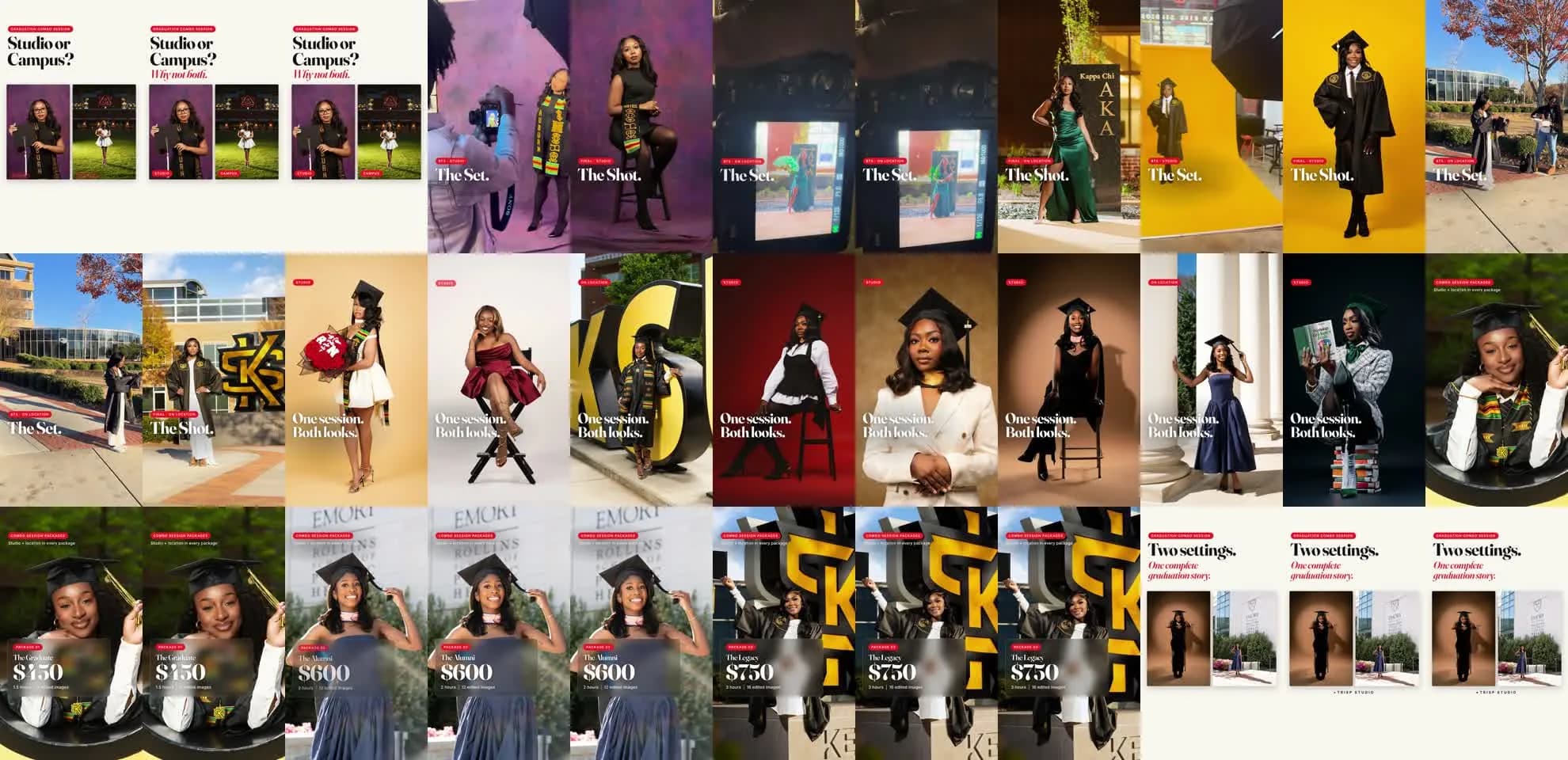
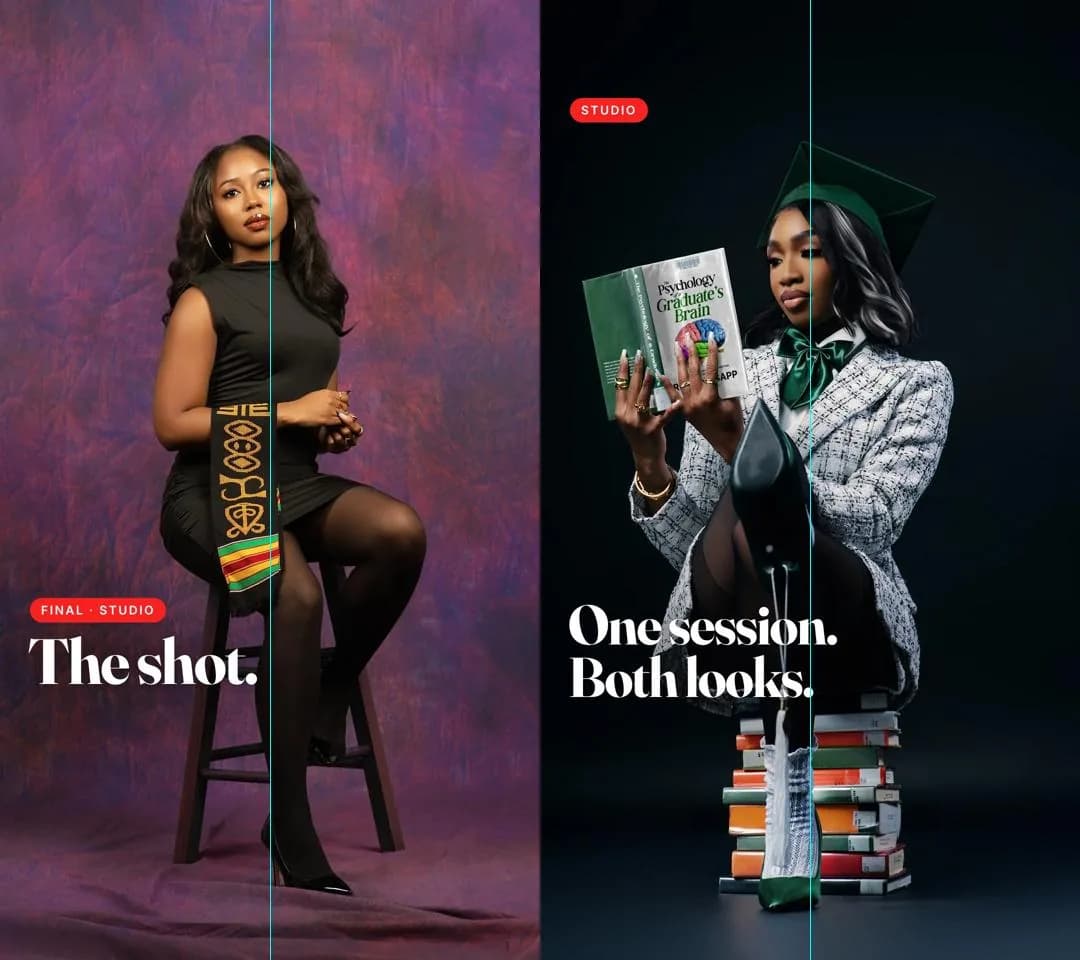
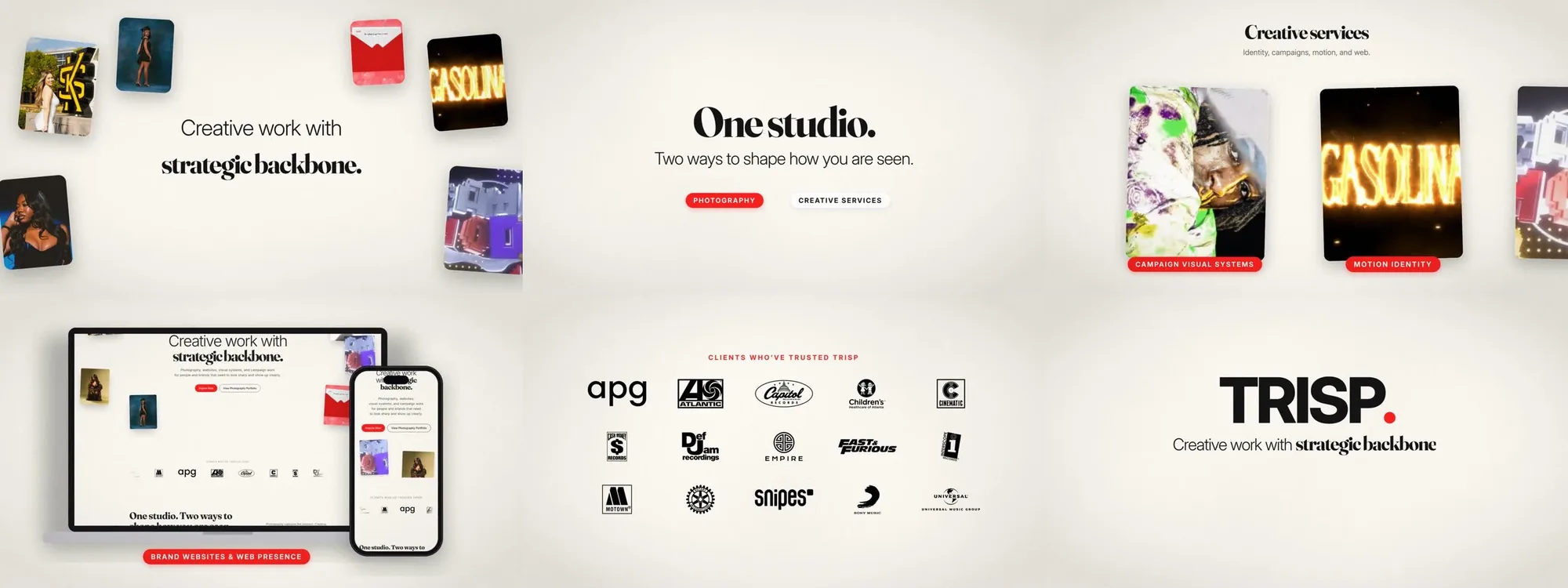
Above is a promo I made for my studio’s graduation sessions, shown the way I reviewed it. Each note on the right is one I gave while watching renders, and each one jumps to the moment it changed. The safe-zone and center-line toggles are the checks I ran on every frame.
Claude did the production: converting footage, setting type, compositing and encoding, all written as code. The brief, the shot choices, the copy and every call on what was good enough came from me. AI made the work faster. My eye decided what shipped.
The loop I run on every project
- Brief. I set the idea, the audience, the format and the look, along with the rules the work can’t break.
- Build with AI. Claude, ChatGPT or Codex produce the layouts, motion, code and copy.
- Review the render. I judge the finished frames, not the code behind them.
- Art-direct the fixes. I give specific visual and factual notes, and the AI revises.
- Ship it as a system. The result becomes a template, toolkit or skill that makes the next piece faster.
Starting from a draft that missed the brief
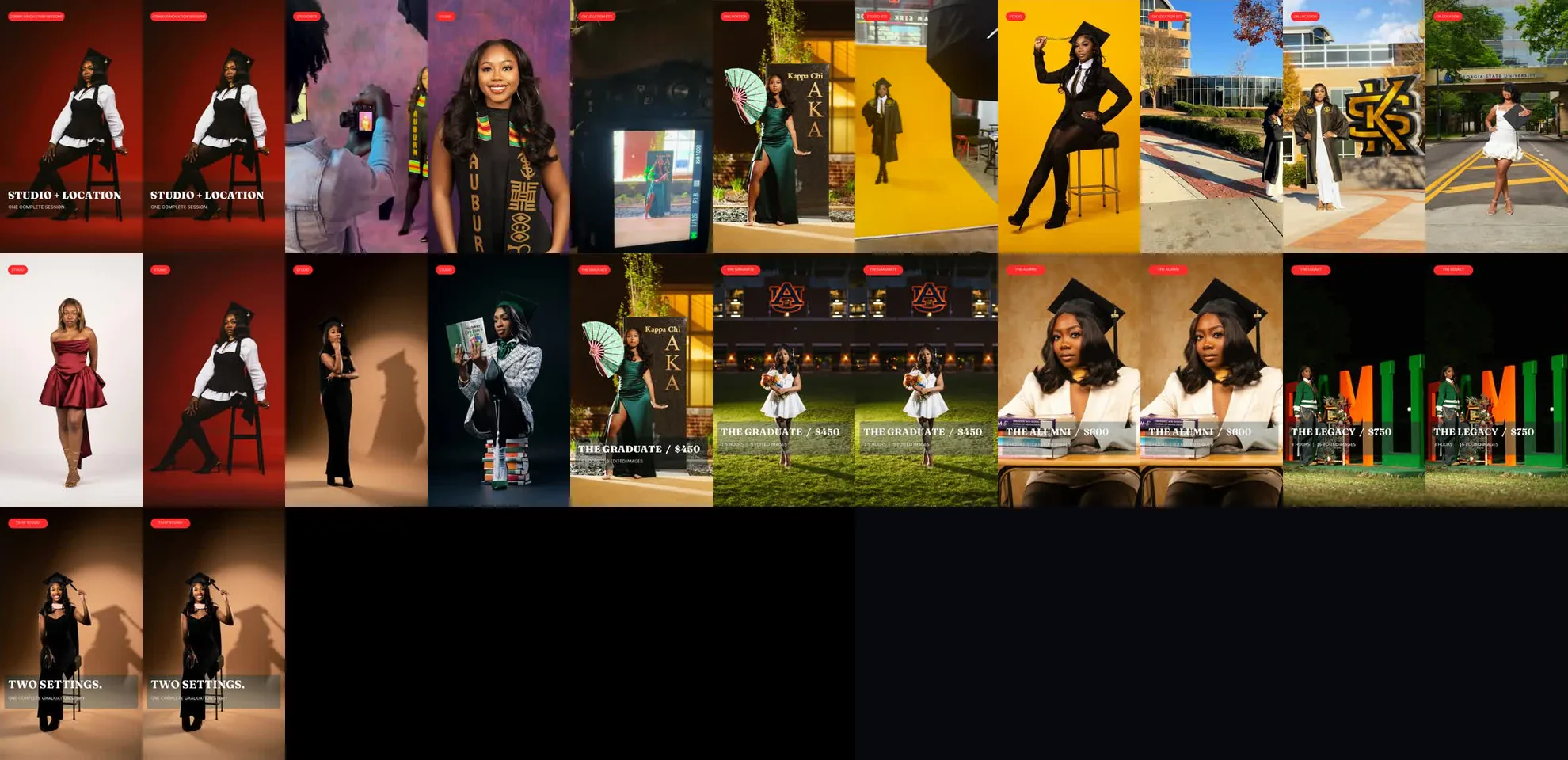
An earlier cut of the promo already existed. Reviewing it against my brief, I found the problems: saturation pushed up when I’d asked for natural color, heavy dark bars behind the text, prices sitting where TikTok’s caption covers them, and montage photos flashing by in about half a second.
The new cut opens on a question, pairs each behind-the-scenes clip with its final photo, and builds to pricing on photos the viewer hasn’t seen yet.
Choosing, checking and correcting
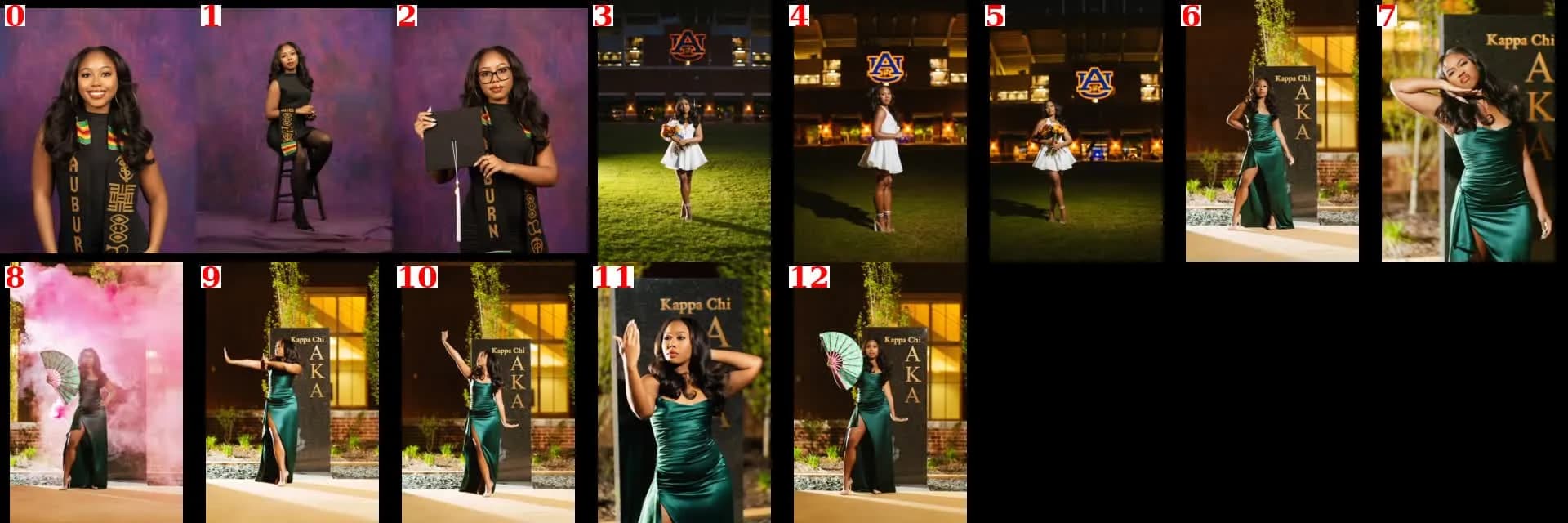
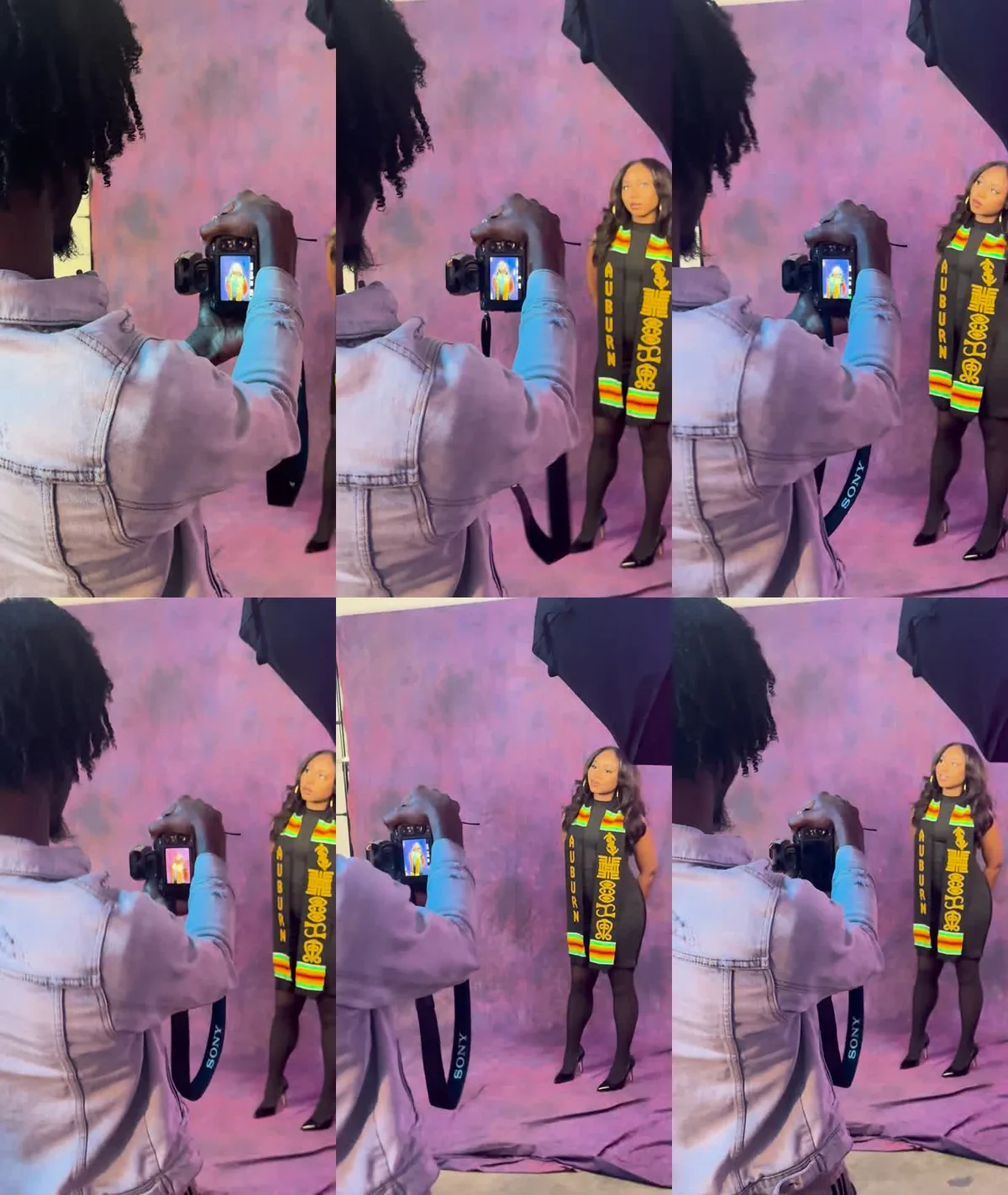
Claude built labeled contact sheets of every session so I could pick shots in minutes instead of scrolling through folders. The iPhone clips were HDR, so they were converted to standard color with nothing added. Every render was checked as stills, with a center line for framing.
Carousels from the same system
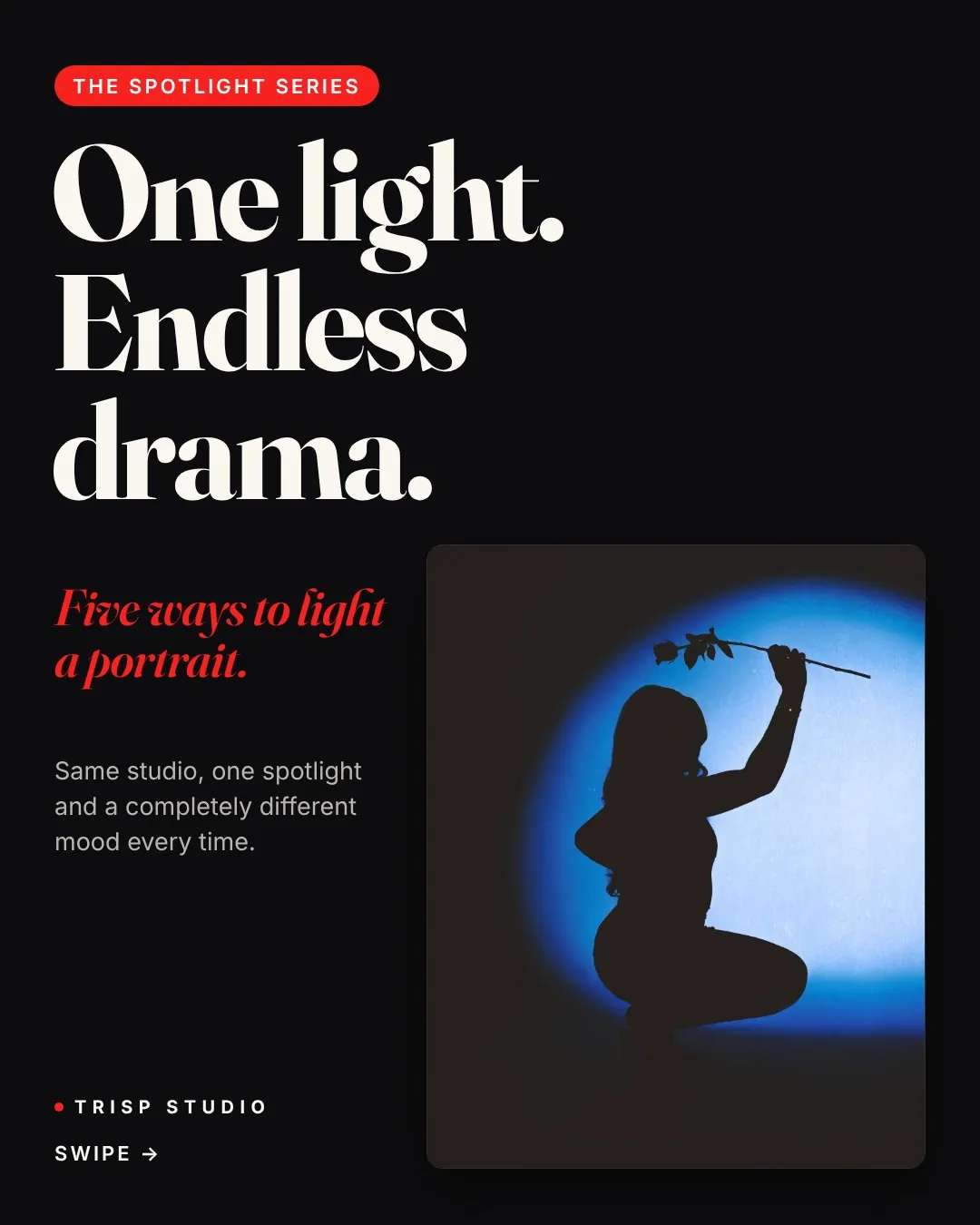
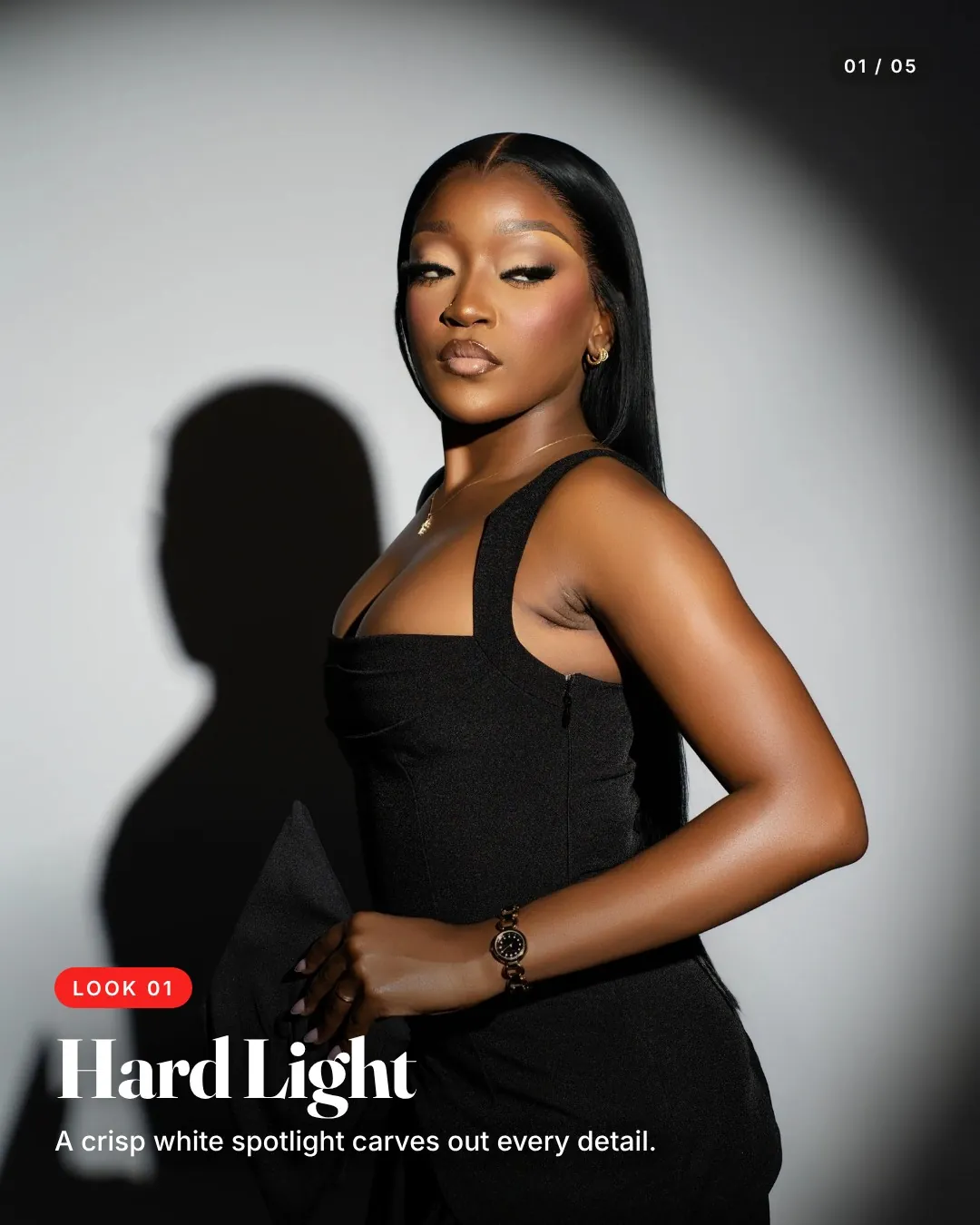
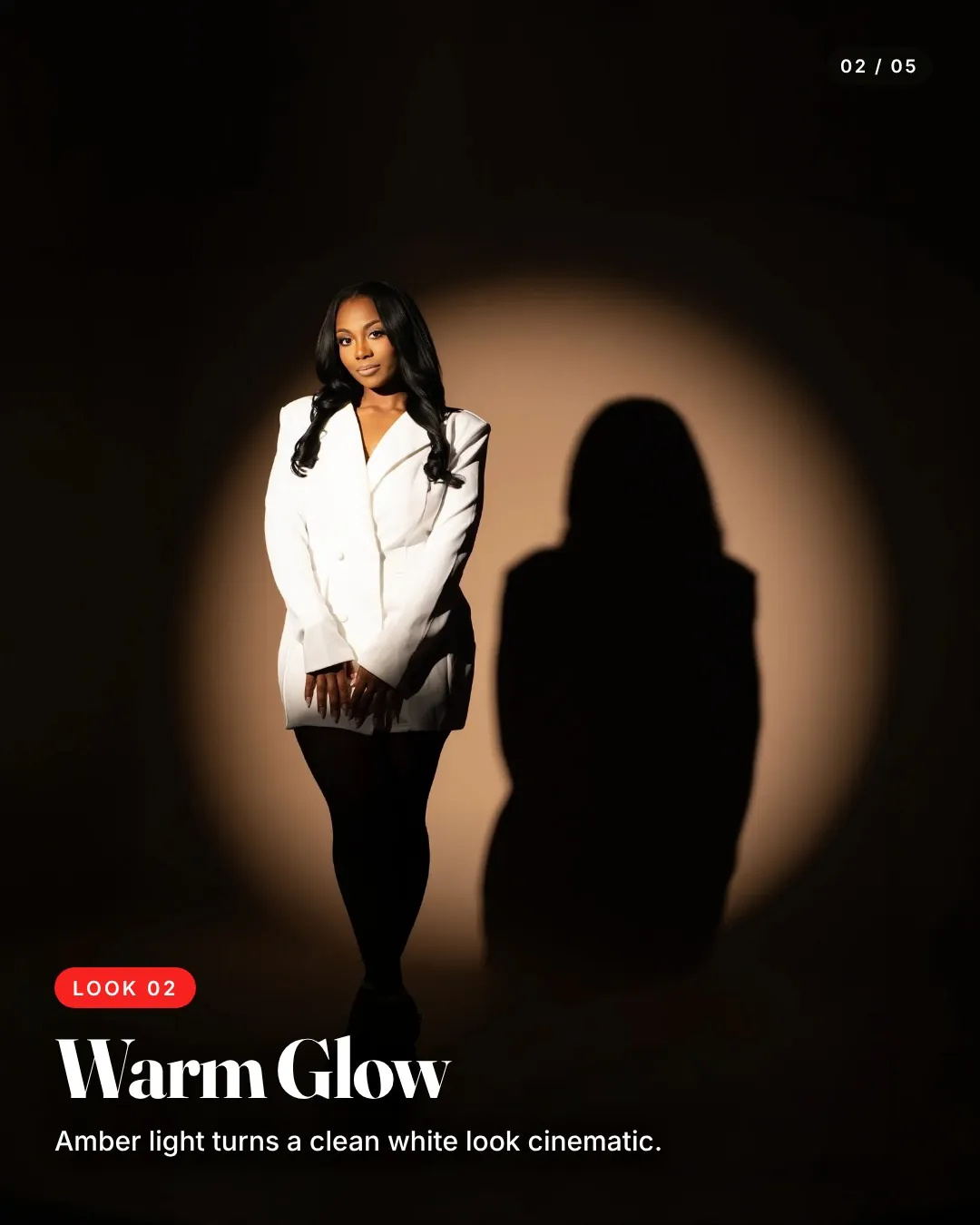
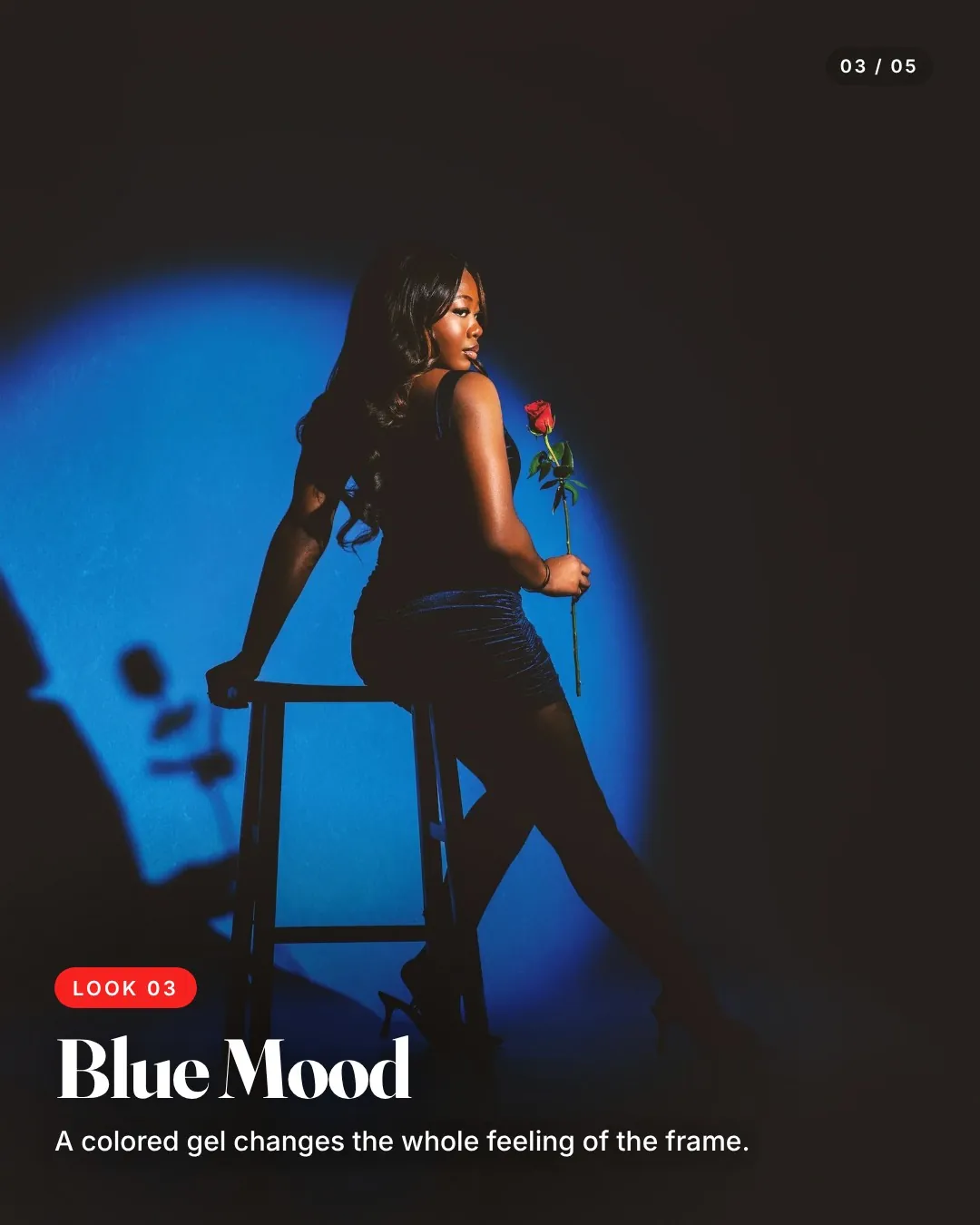
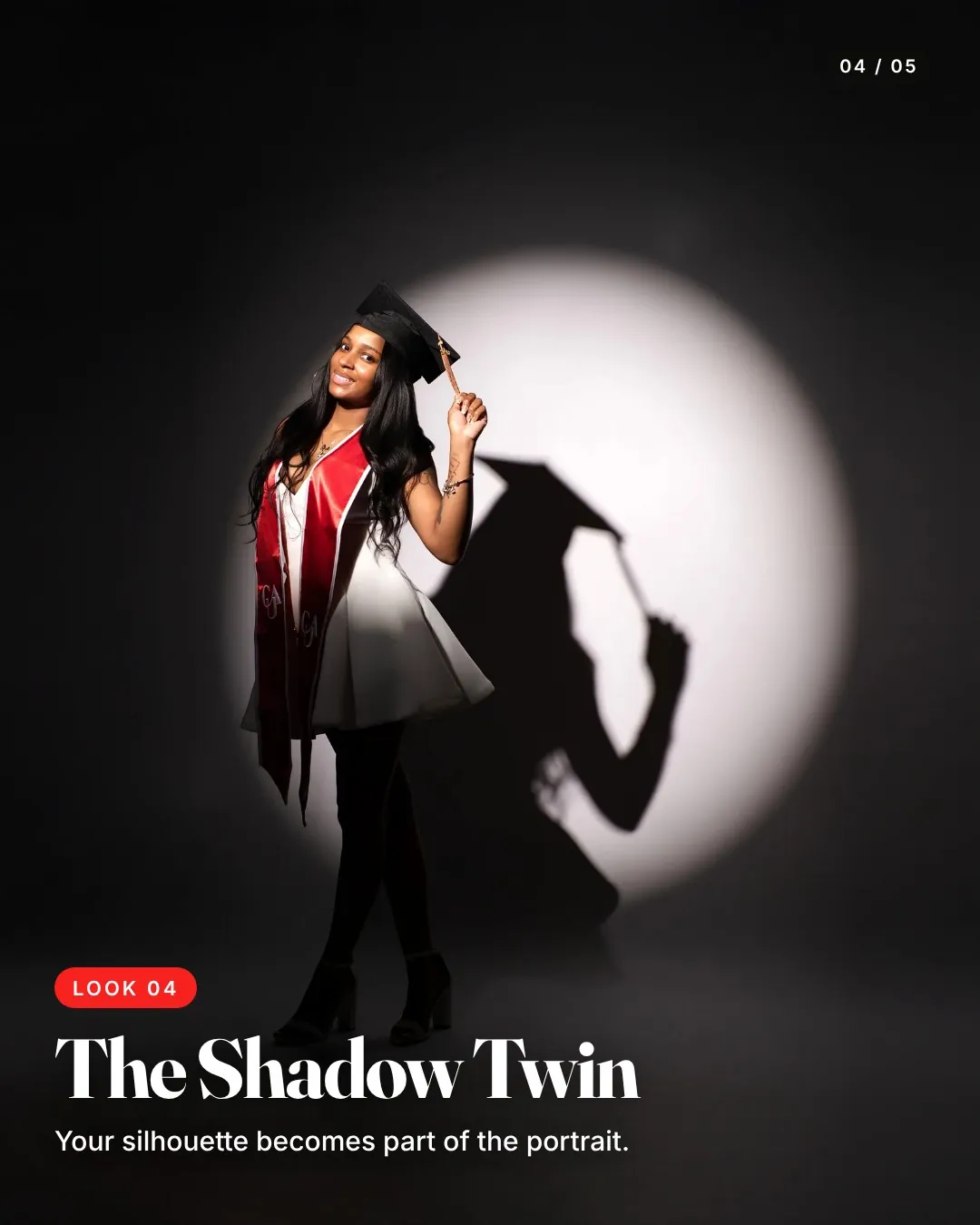
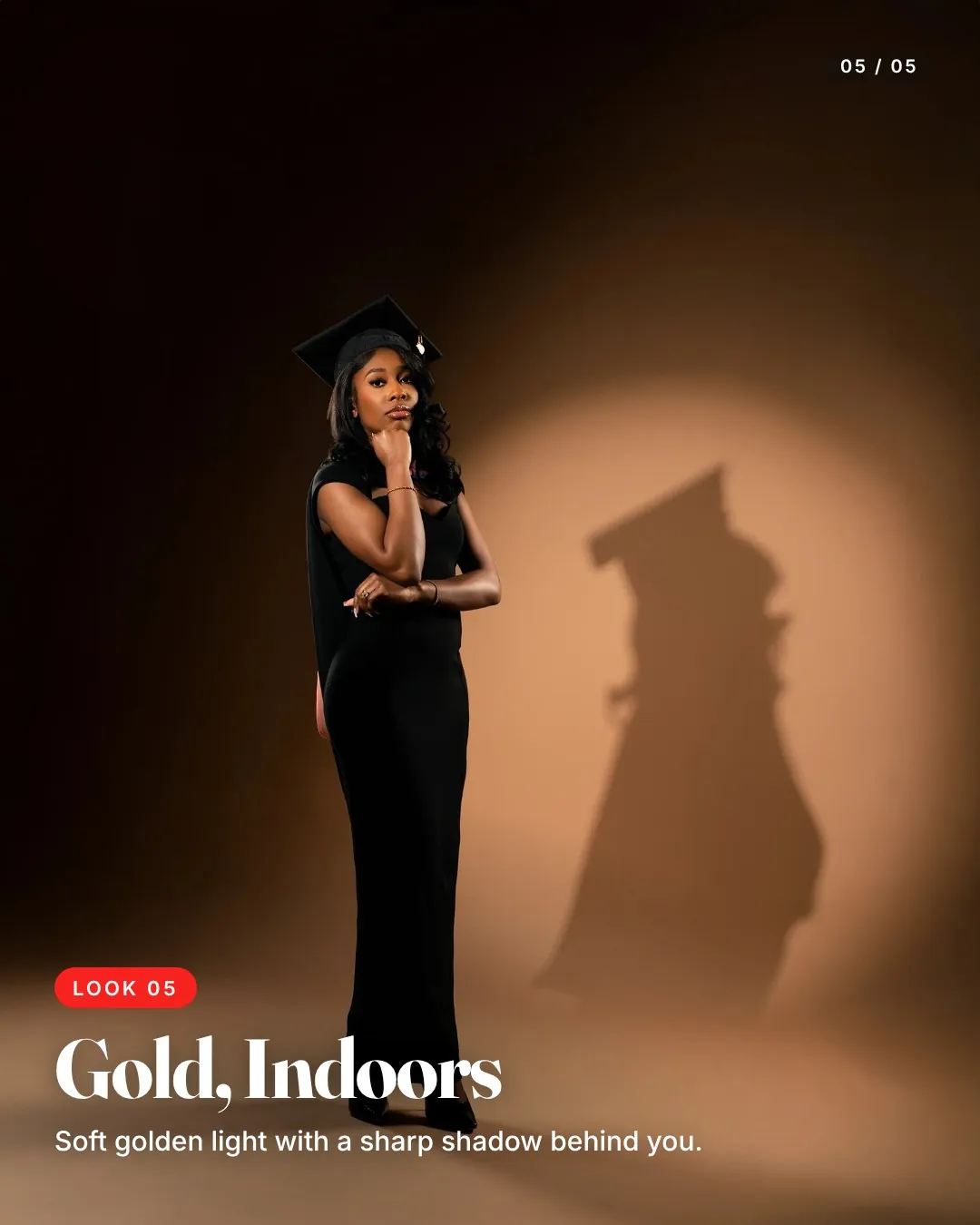
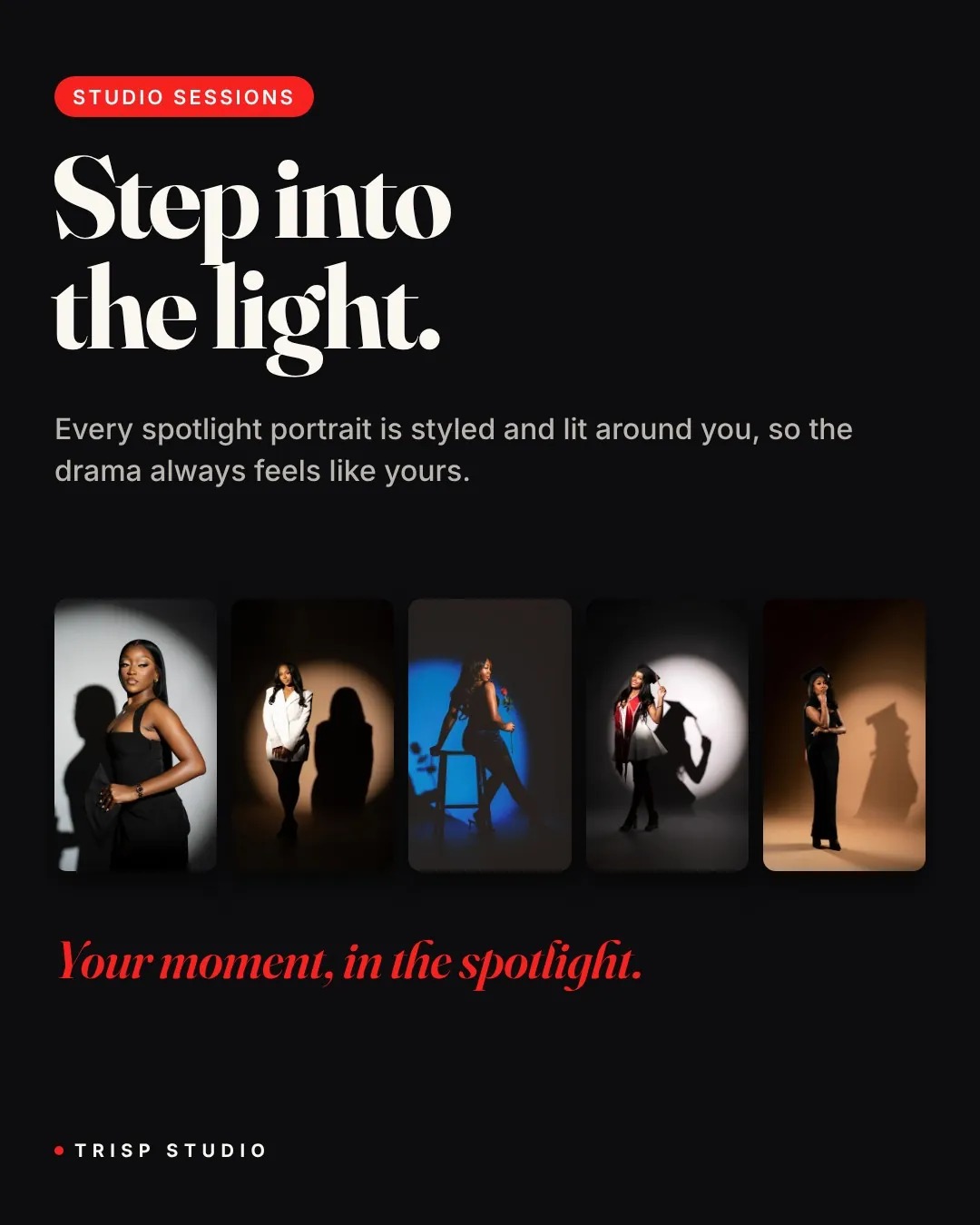
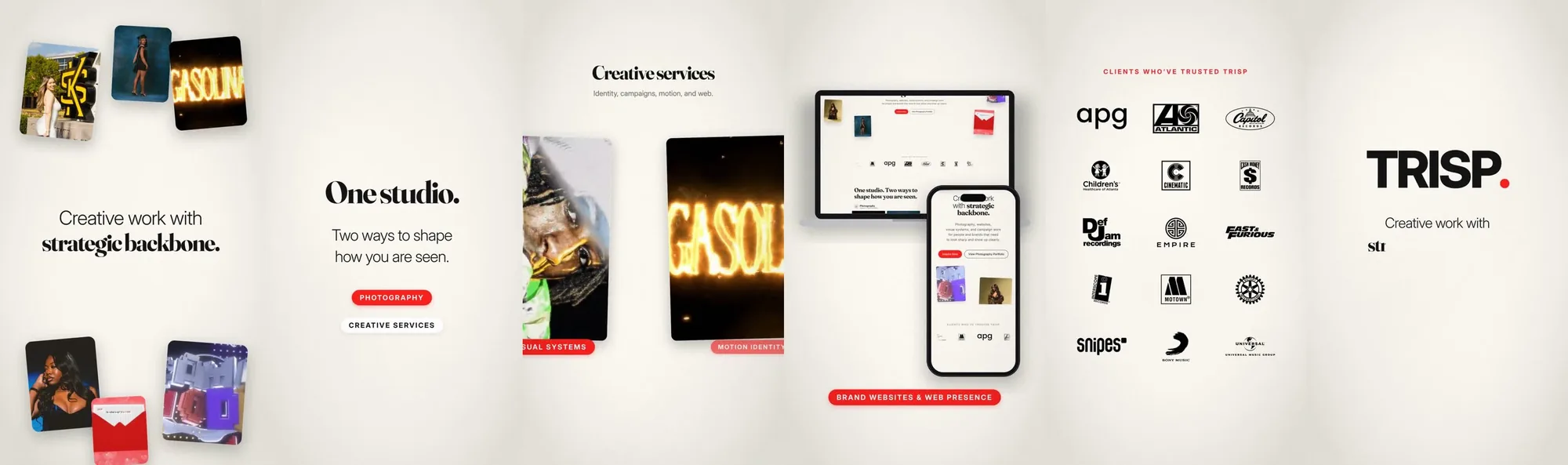
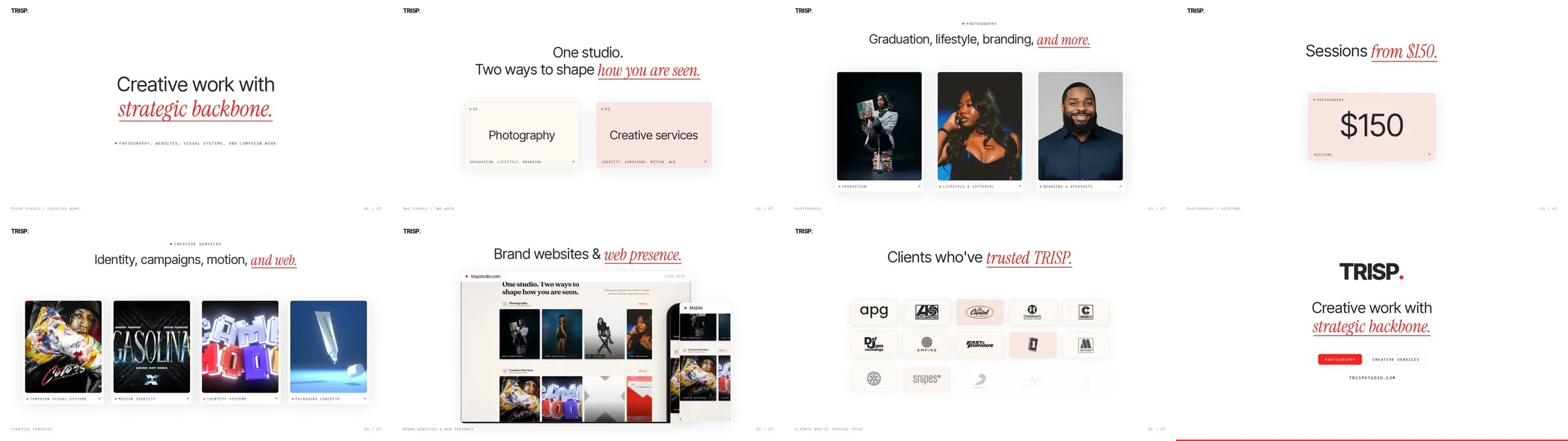
The same pipeline made three Instagram and TikTok carousels, with every slide built as a web page in the studio’s type and color. My edits were about tone: softening the closing slide from an upsell to “Sessions start at $150,” fixing a widow, swapping a cover that was already used elsewhere, and dropping “Part 2” so the posts work in any order.
An explainer written as code
An 82-second video explaining the session management system I run my photography studio on. Every scene, animation and note of the music is written as code: scenes are web pages rendered frame by frame, and the music bed is synthesized with whooshes timed to each scene change. It has no voiceover, so the type carries it.
These are the notes I gave on the renders. They’re an art director’s notes, and they’re what moved it from a working draft to something I’d put my name on.
Packaged as skills
Once the workflow was repeatable, I packaged it as five Claude skills, split by what someone starts with. Two are self-contained, so a creator can run them without me. Every skill stops at an approval gate before it builds anything, because the review step is the part that can’t be skipped.
Results
- The graduation promo was posted to TikTok.
- Each round of notes became a small edit and a re-render of about three minutes.
- One script renders vertical and horizontal cuts of the same video.